Learn Piano Online for Free with Vitzik
- learning piano
- midi
So what is Vitzik?
Vitzik is a free online piano learning tool. The idea is to provide you with a toolbox to support your journey learning the piano. We have a library of songs at your disposal and we add more regularly. You can practice those songs or import any song you would like! The only requirement is to use a .mid file format, then let Vitzik do its magic and it will turn that file into falling notes above a 2D rendered piano. You don’t need to know how to read a score to get started. It highlights every key as the song plays and you can practice along. If you plug in a USB MIDI keyboard, it also listens to what you play and gives you feedback in real time.
There is nothing to installs, no “start your 7-day trial”, no signup form, it’s all free.
Vitzik isn’t trying to replace a private piano teacher, but it offers a complement for people who want to practice at home and want to use the potential of technology to help them.
Here are the main features:
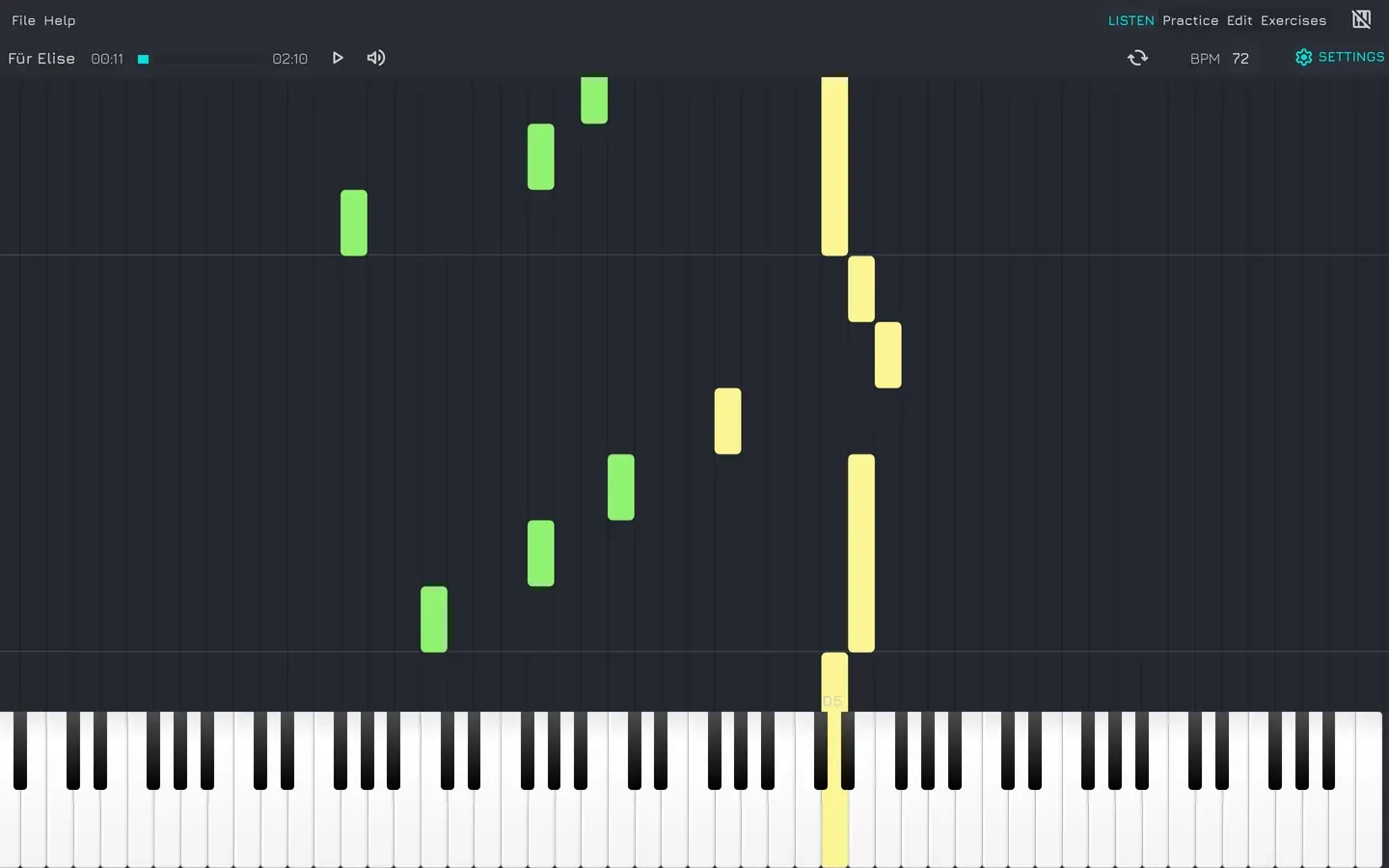
1. Notes preview
Notes fall in sync with the audio, colored per channel, so you always know what’s coming before it arrives. You can slow down the tempo to learn at your own pace.
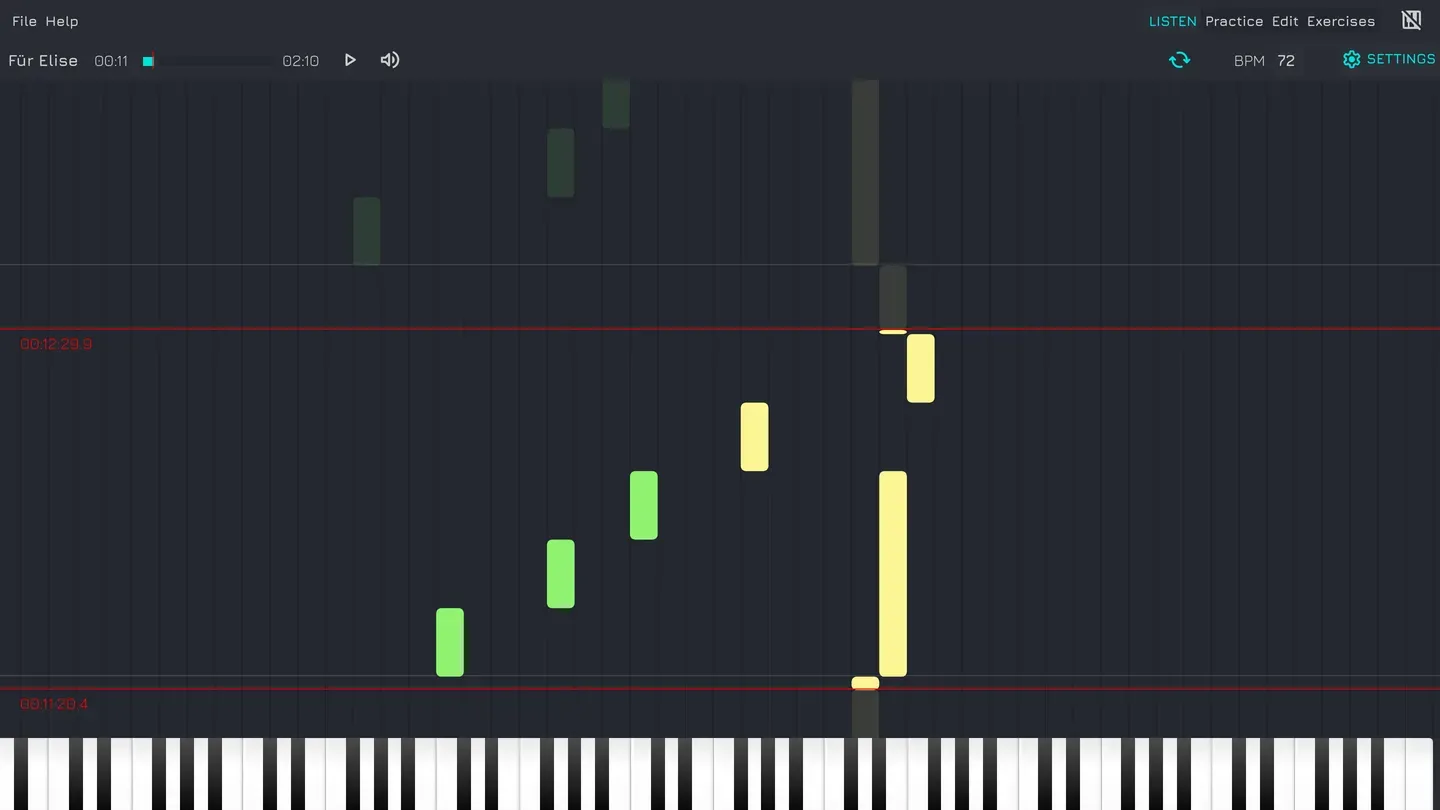
2. Loop the measure that is ruining your life
Every piece has one. Few beats that you have played 200 times and will play 200 more. With Vitzik you can select those and replay them on loop as much as you need. Practice makes perfect!
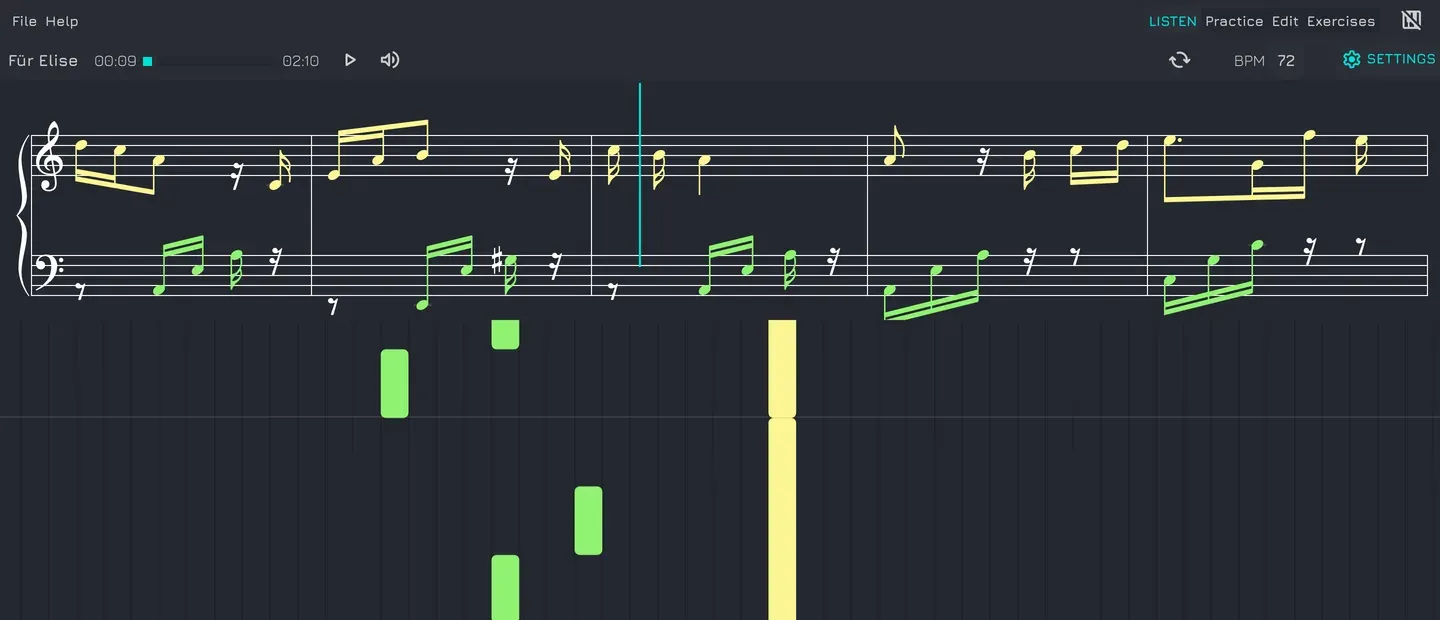
3. Music sheet rendering
Visualizations are nice but when you become a piano superstar you can’t afford to have your audience see you looking like you’re playing guitar hero. Sight reading skills are important as well and for this reason Vitzik also gives you the option to render the score of the song as it plays, so you can practice reading music instead of memorizing finger choreography.
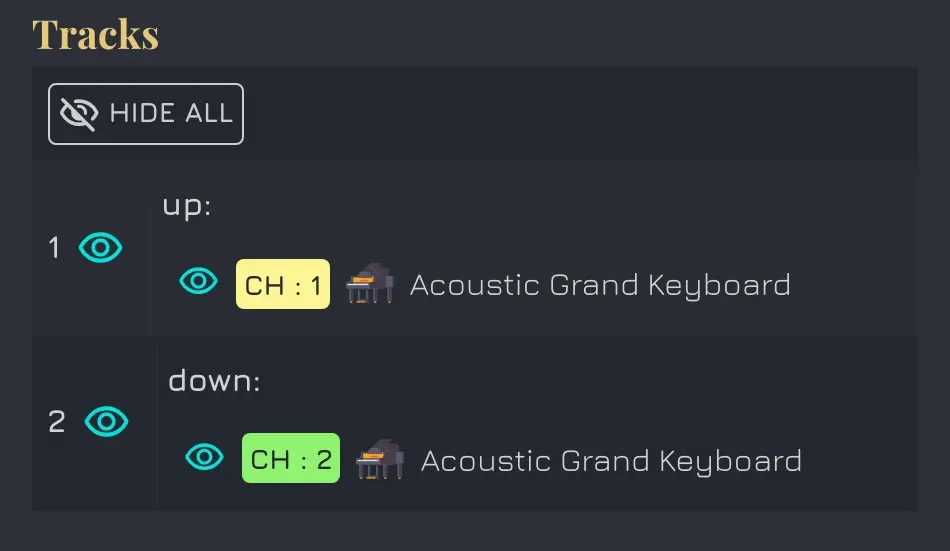
4. Focus on one hand
Most tools throw all notes at you at once. Vitzik lets you switch off the ones you don’t need: hide the right hand and focus on the left, or strip a MIDI arrangement down to just the piano.
5. Your keyboard, no setup
Plug in any MIDI keyboard and Vitzik detects it immediately. No driver install, no configuration wizard.
No keyboard? Fine. Click the on-screen piano with a mouse, or tap it on a tablet, or just use Vitzik to listen and read the score.
6. Edit mode
Free MIDI files from the internet are a gift, but sometimes you might want to adjust them: there’s a drum track nobody asked for or there’s a note that is a beat too late.

Edit mode turns the piano roll into a MIDI editor: click to add a note, drag it, change its length, select more and delete them, copy, paste. Delete an entire channel. Swap a channel’s instrument for one you can stand. Undo your changes. All of that is possible in the editor.
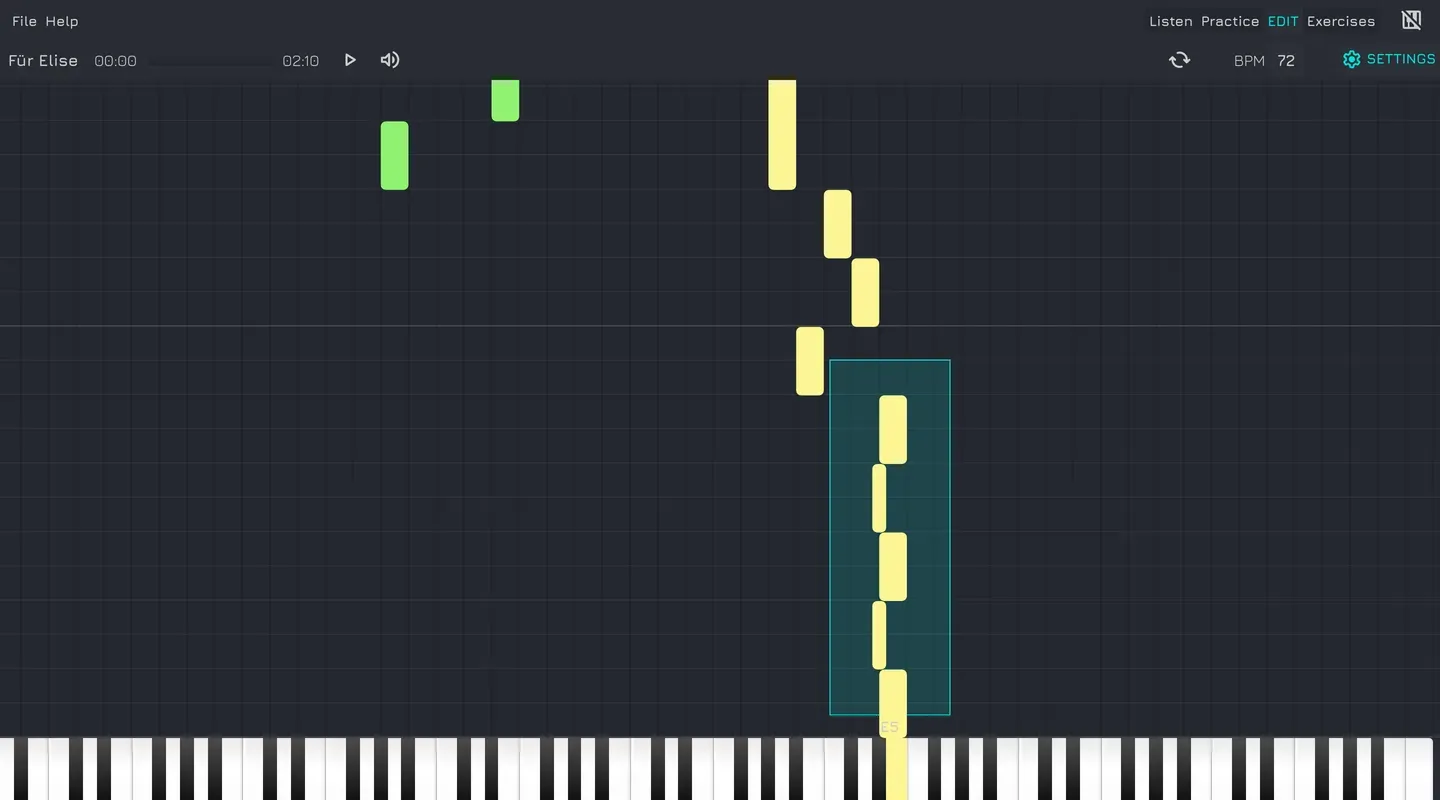
When you’re done, Cmd/Ctrl + S saves the MIDI in your library. It’s your file now. You’re the arranger. Nobody can stop you.
This isn’t a DAW (Digital Audio Workstation) and it isn’t trying to be. You will not be mastering an album (sorry to disappoint you there). But you will be able to fix an annoying arrangement in forty seconds without downloading two gigabytes of software you’ll open twice.
7. Exercises
Learning with the visualizer is all fun and games but work on your reading and hearing skills will be very helpful if you’re serious about playing the piano. For that Vitzik offers exercises:
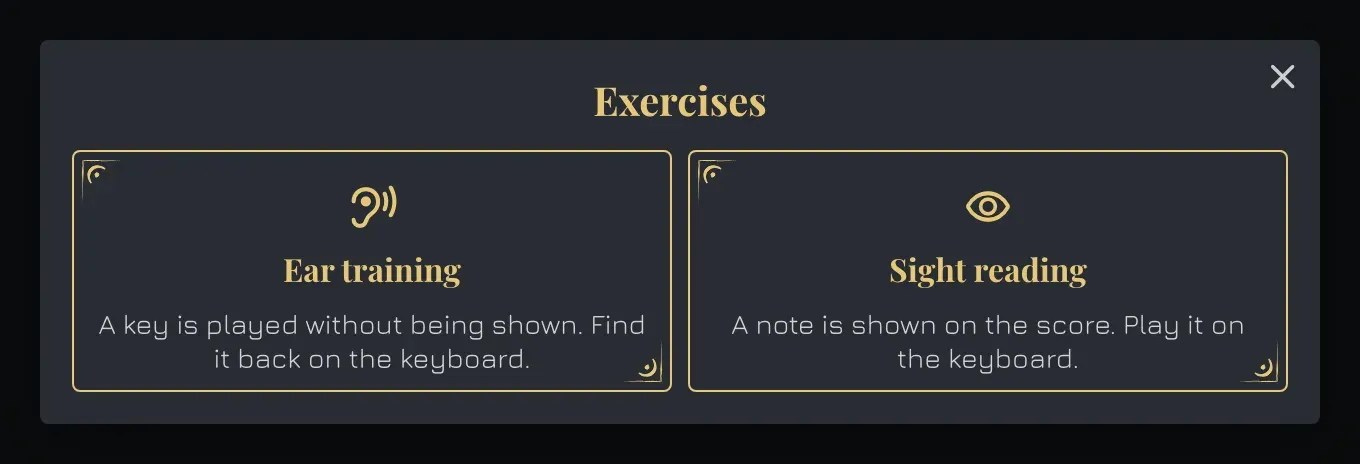
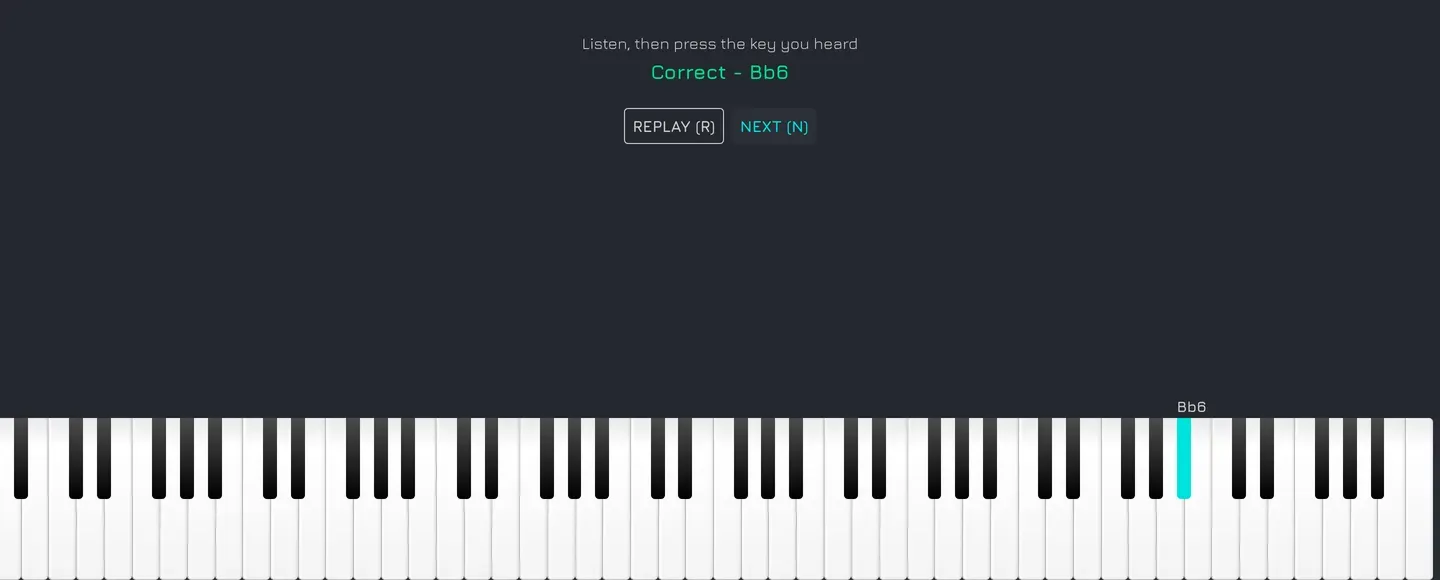
Ear training. Vitzik plays a key without showing you which one. You find it on your keyboard. Press R to hear it again, as many times as your ego requires. This is the exercise that quietly tells you whether you actually have a perfect ear or just very good pattern recognition. Most people find out something they’d rather not know.
Sight reading. A single note appears on the score. You play it. That’s it. That’s the exercise. Do it for a few minutes per day and you’ll improve.
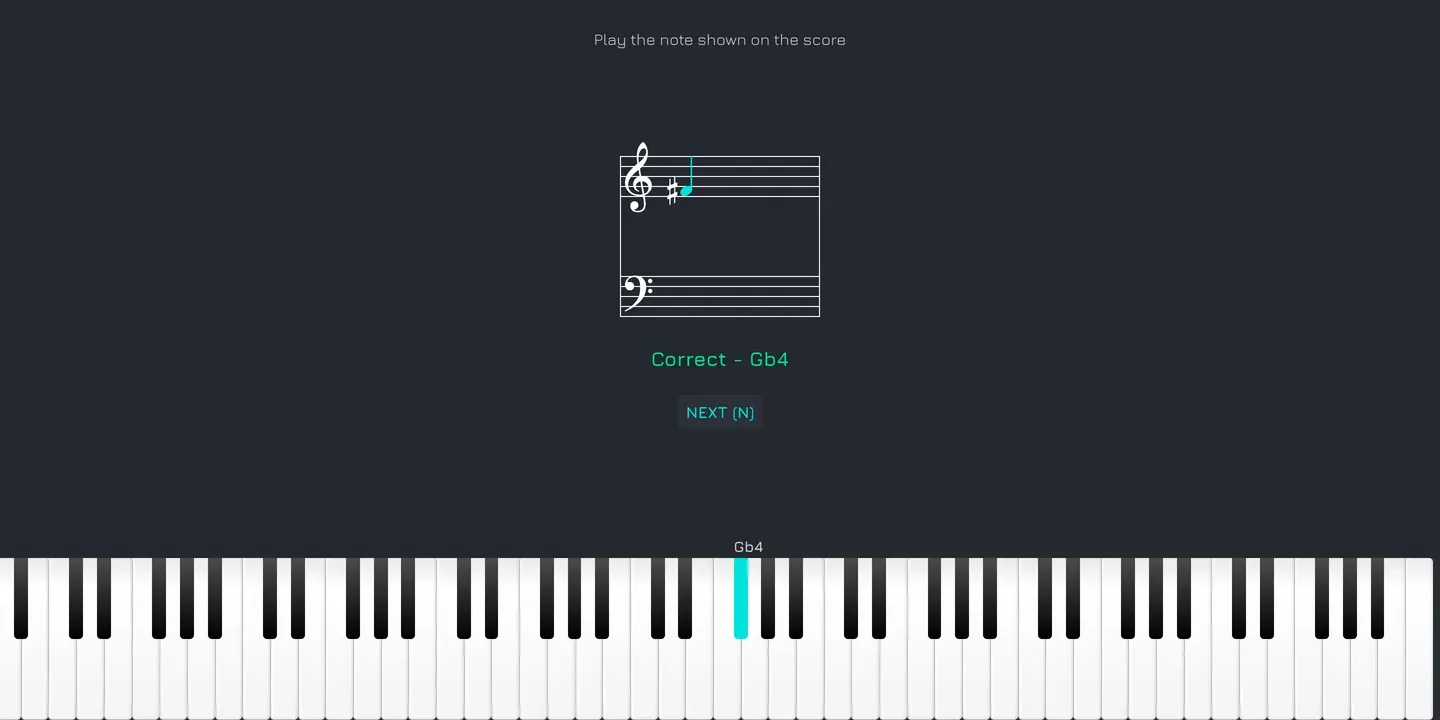
Both tell you instantly whether you were right, and name the note you actually played, so when you’re wrong, you learn how wrong. You can set a range of notes to work on so you’re not hunting across all 88 keys on day one. It also allows you to pick your note naming system: C D E, Do Re Mi, or the German one (H instead of B).
8. Everything stays on your machine
Learning a piece can take months. Vitzik saves your songs in your browser so you can come back to them. Clear your browser storage and they’re gone, which is the honest trade-off for not asking you to make an account.
Who is this for?
- Complete beginners who want to play a real song this week, not after three months of scales.
- Returning players who took lessons as a kid and can still, weirdly, play the first eight bars of exactly one piece.
- Self-taught players who can play but can’t read a score, and know it’s holding them back.
- People with a keyboard collecting dust, currently functioning as a shelf.