Learning should be fun
Learn and Play Piano Free Online
Play a song from the library or import your own MIDI file. Plug your piano in over USB and practice at your own pace. No installs, no accounts, it's free...for real!
PlayConnect your own Piano
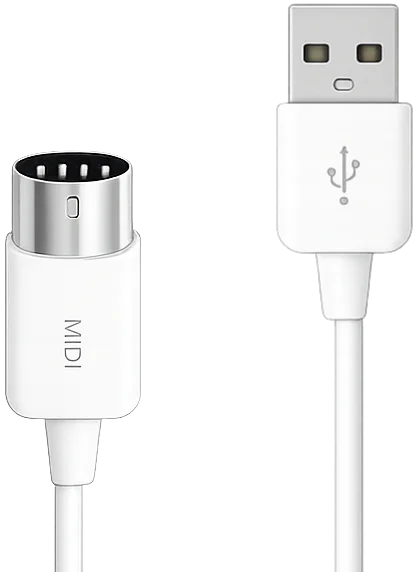
Plug in any Piano via USB and Vitzik detects it immediately, with no driver setup and nothing to install. It listens to what you play and answers in real time. No piano? Click the on-screen piano with a mouse, tap it on a tablet, or just listen and read along.
Piano Visualizer
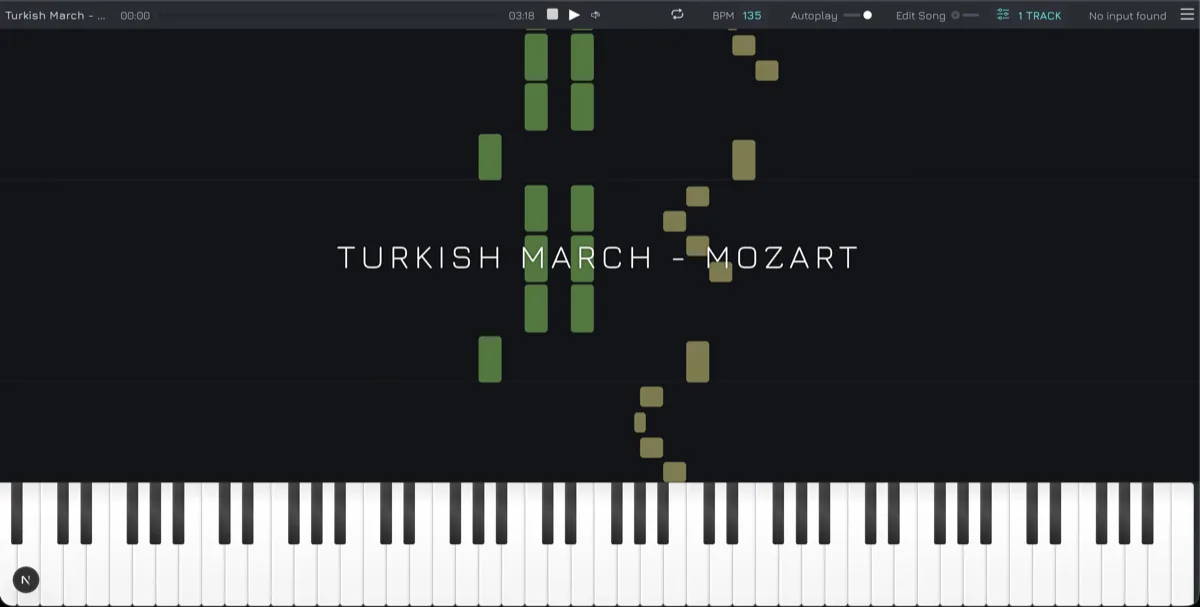
Pick a song from the library or import any MIDI file you like. Notes fall in sync with the audio, colored per track, so you always know what's coming before it arrives. Every key lights up on the piano roll as it plays, no score reading required to get started.
Loop the measure that's ruining your life
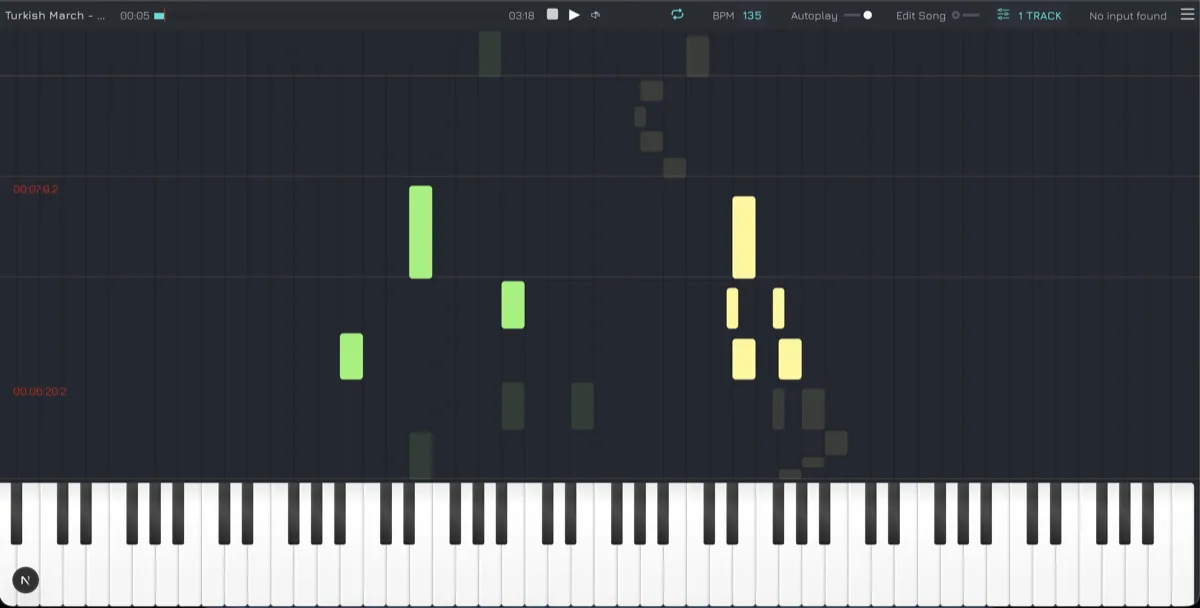
Loop a tricky section and repeat it, or slow down the tempo. Everything you need to learn piano online at your own pace.
Save your songs
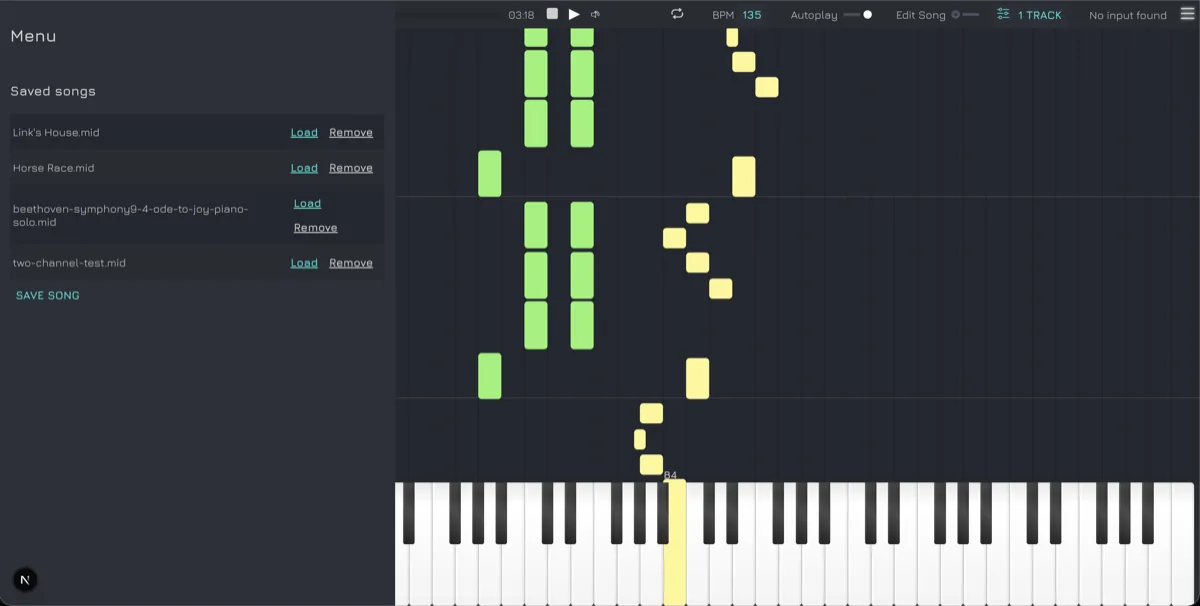
Learning takes time, we got you! You can save a song and resume later. We don't store anything, everything stay in your browser.
Practice score reading
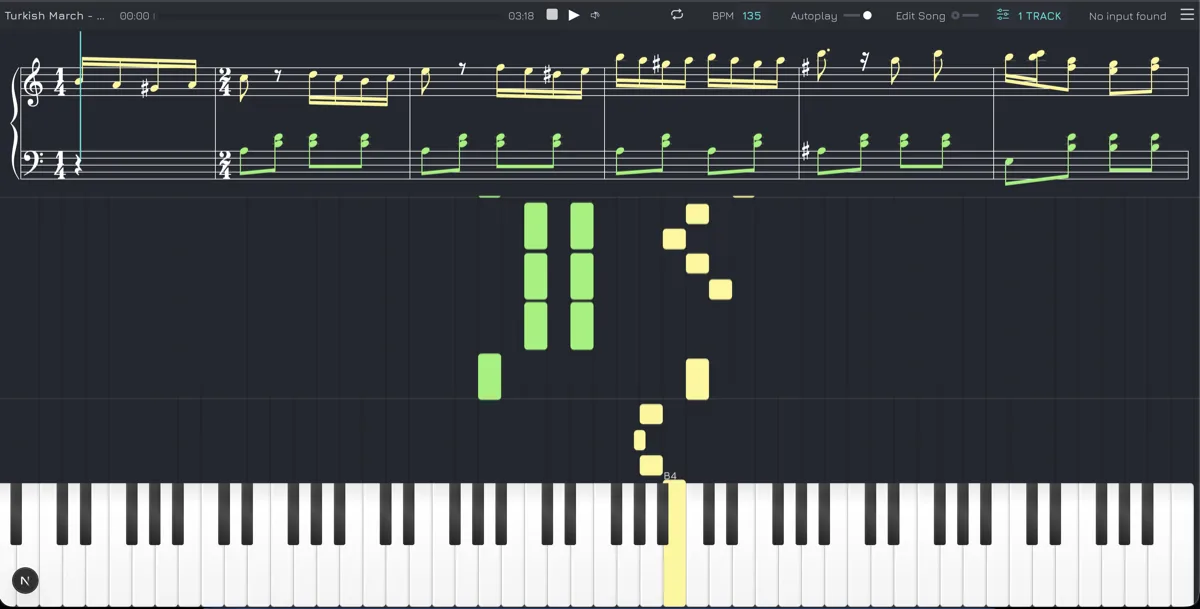
Falling notes are fun, but reading music is a mandatory skill for any serious piano player. Vitzik renders the score as the song plays and scrolls it in sync with the notes, so you can practice reading as well.
Focus on one hand
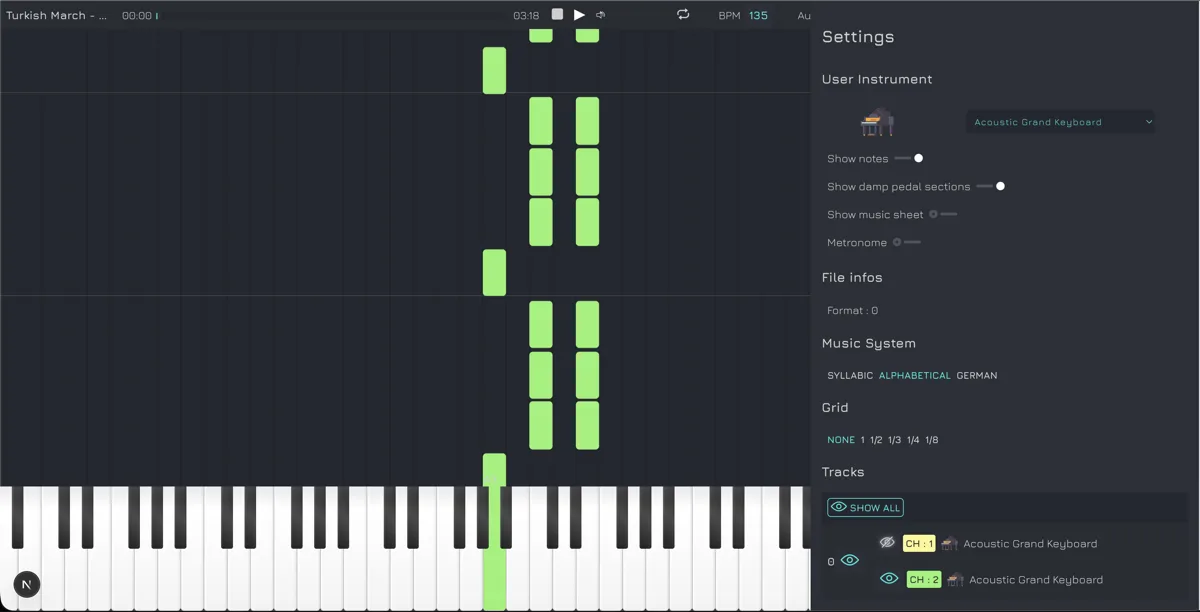
Most players shows all tracks and channels at once. With Vitzik you can disable the channels and tracks you don't want to hear to focus on the ones you are practicing. This is useful to practice only one hand at a time.
Free access to our song library
We add songs regularly. They are not AI generated! Our priority is to provide only quality content. Songs are sorted by composer, genre and difficulty, each one ready to open in the player in a click. If the piece you want is not there, Vitzik supports any .mid file you want to import so possiblities are endless.
+120 instruments available
Our learning content is for Piano but we offer, for the edition of MIDI file more than 120 instruments.

Acoustic Grand Keyboard

Bright Acoustic Keyboard

Electric Grand Keyboard

Honky-tonk Keyboard

Electric Keyboard

Electric Keyboard 2

Harpsichord

Clavinet

Celesta

Glockenspiel

Music Box

Vibraphone

Marimba

Xylophone

Tubular Bells
.svg)
Dulcimer (Santur)
.svg)
Drawbar Organ (Hammond)

Percussive Organ

Rock Organ

Church Organ

Reed Organ
.svg)
Accordion (French)

Harmonica
.svg)
Tango Accordion (Band neon)
.svg)
Acoustic Guitar (nylon)
.svg)
Acoustic Guitar (steel)
.svg)
Electric Guitar (jazz)
.svg)
Electric Guitar (clean)
.svg)
Electric Guitar (muted)

Overdriven Guitar

Distortion Guitar

Guitar harmonics

Acoustic Bass
.svg)
Electric Bass (fingered)
.svg)
Electric Bass (picked)

Fretless Bass

Slap Bass 1

Slap Bass 2

Synth Bass 1

Synth Bass 2

Violin

Viola 1

Cello

Contrabass

Tremolo

Pizzicato

Orchestral Harp

Timpani
.svg)
String Ensemble 1 (strings)
.svg)
String Ensemble 2 (slow strings)

SynthStrings 1

SynthStrings 2

Choir Aahs

Voice Oohs

Synth Voice

Orchestra Hit

Trumpet

Trombone

Tuba

Muted Trumpet

French Horn

Brass Section

SynthBrass

SynthBrass 2

Soprano Sax

Alto Sax

Tenor Sax

Baritone Sax

Oboe

English Horn

Bassoon

Clarinet

Piccolo

Flute

Recorder

Pan Flute

Blown Bottle

Shakuhachi

Whistle

Ocarina
.svg)
Lead 1 (square wave)
.svg)
Lead 2 (sawtooth wave)
.svg)
Lead 3 (calliope)
.svg)
Lead 4 (chiffer)
.svg)
Lead 5 (charang)
.svg)
Lead 6 (voice solo)
.svg)
Lead 7 (fifths)
.svg)
Lead 8 (bass + lead)
.svg)
Pad 1 (new age Fantasia)
.svg)
Pad 2 (warm)
.svg)
Pad 3 (polysynth)
.svg)
Pad 4 (choir space voice)
.svg)
Pad 5 (bowed glass)
.svg)
Pad 6 (metallic pro)
.svg)
Pad 7 (halo)
.svg)
Pad 8 (sweep)
.svg)
FX 1 (rain)
.svg)
FX 2 (soundtrack)
.svg)
FX 3 (crystal)
.svg)
FX 4 (atmosphere)
.svg)
FX 5 (brightness)
.svg)
FX 6 (goblins)
.svg)
FX 7 (echoes, drops)
.svg)
FX 8 (sci-fi, star theme)

Sitar

Banjo

Shamisen

Koto

Kalimba

Bag pipe

Fiddle

Shanai

Tinkle Bell

Agogo

Steel Drums

Woodblock

Taiko Drum

Melodic Tom

Synth Drum

Reverse Cymbal
Frequently asked questions
Do I need a MIDI piano to use Vitzik?
No, you can browse songs and practice by clicking the on-screen piano with your mouse or finger (on tablets/phones), or simply to practice listening or music sheet reading. That said, plugging in a USB MIDI piano unlocks the full experience: Vitzik listens to what you play in real time and gives you instant visual feedback.
What file formats can I import?
Vitzik supports standard MIDI files (.mid). Drag and drop any MIDI song inside the player and it'll show up in the visualizer, ready to practice.
What are the four modes?
Listen plays the song through so you can watch and follow along. Practice waits for you to play the right notes before moving on, then gives you an accuracy score at the end. Edit turns the piano roll into a MIDI editor. Exercises opens the ear training and sight reading games.
Can I edit a MIDI file in Vitzik?
Yes. Edit mode lets you add, drag, resize, copy and delete notes, remove a whole channel, swap a channel's instrument, rename the song and undo any of it. Save it with Cmd/Ctrl + S and the edited version lands in your library.
What exercises are available?
Ear training plays a noe without showing it and you find it on your piano, and sight reading shows a single note on the score for you to play. Both give instant feedback. You can restrict them to the octaves you are working on and choose your note naming system: C D E, Do Re Mi, or the German one.
Where can I find songs to play?
Check out our own song library for a curated set of MIDI files ready to play. You can also search the internet for a MIDI file of pretty much any song and import it straight into the player.
Is Vitzik really free?
Yes, completely free! No installs, no accounts, no trial, no subscriptions. Just open it in your browser and start playing.
Does Vitzik store my songs anywhere?
No. Saved songs stay entirely in your own browser, nothing is uploaded to a server. Clearing your browser storage will remove them.
What else does Vitzik offer to support learning the piano?
You can loop any section, slow down the tempo and turn on a metronome. The score is rendered live as the song plays so you can practice note reading, and you can hide the tracks and channels you are not working on to focus on a single hand.